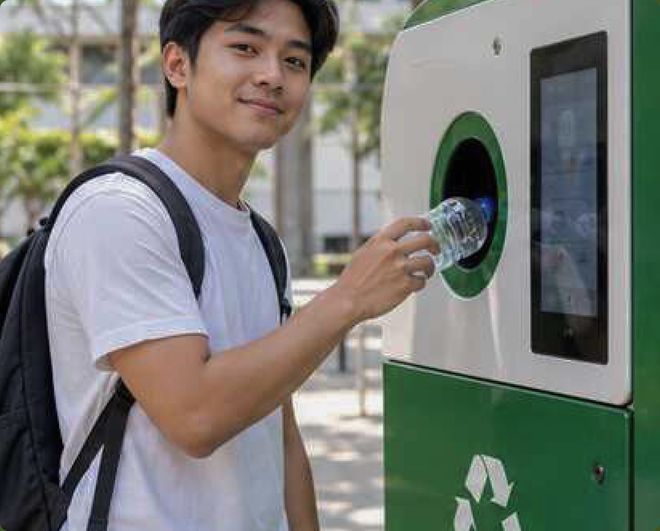
Recycle Today
Turn your empty bottles and cans into coins or free Wi-Fi. Tap Start to begin.
● Online
Turn your empty bottles and cans into coins or free Wi-Fi. Tap Start to begin.
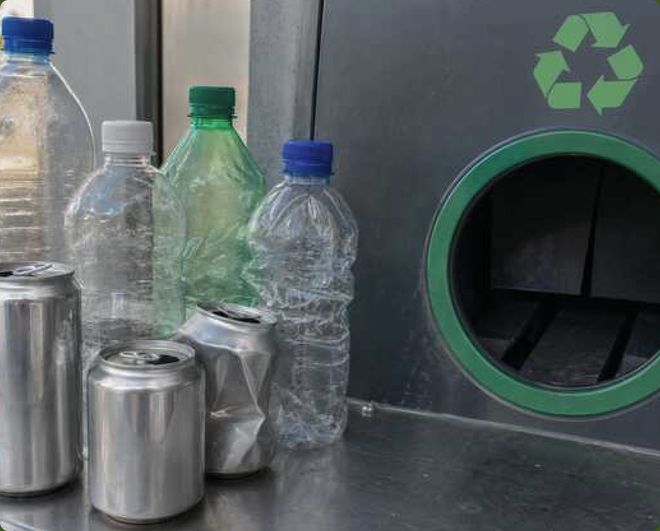
Choose Start when you are ready to recycle bottles or cans.
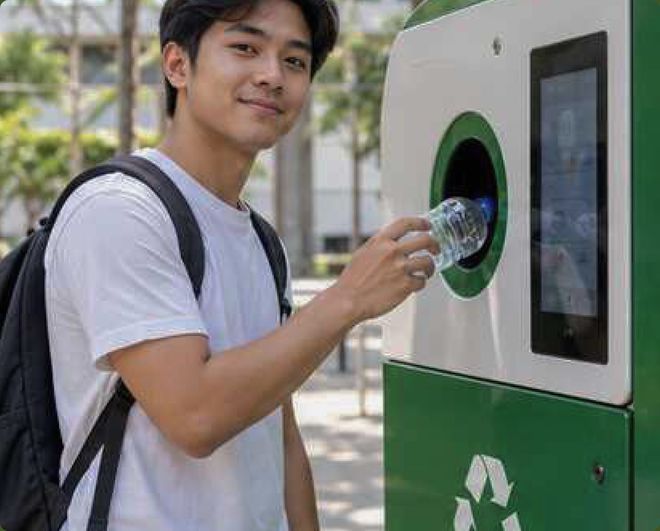
Sign in with a QR code or continue as a guest.
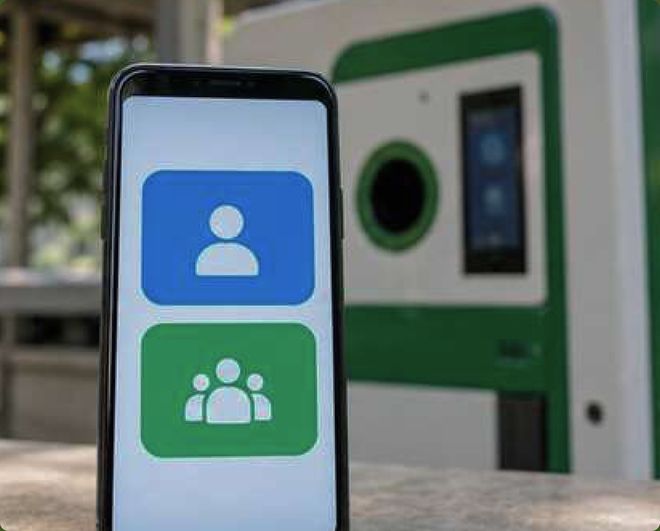
Open the BOCOFI mobile app and scan the code on this screen.
Or type this code in the app:
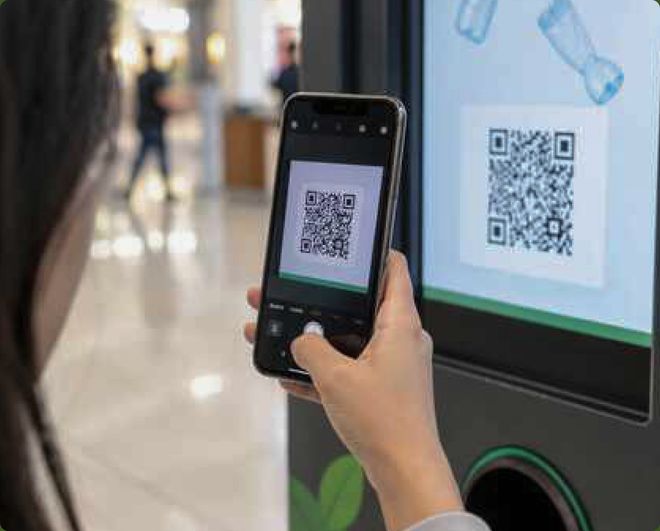
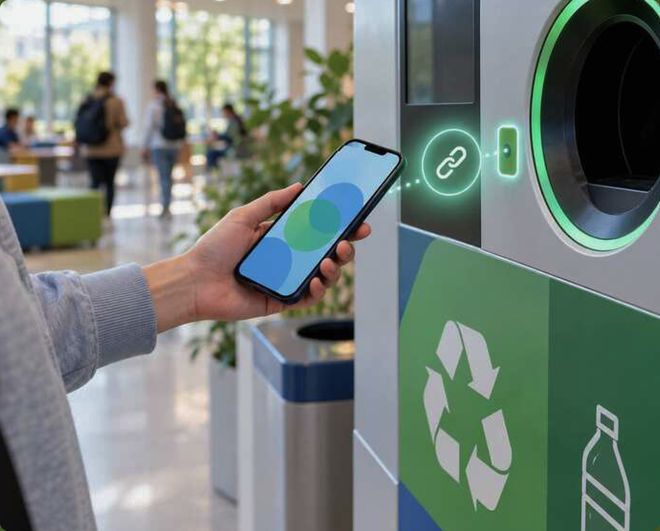
Your BOCOFI account is now connected to this machine.
Guest users can receive coins or Wi-Fi rewards only.
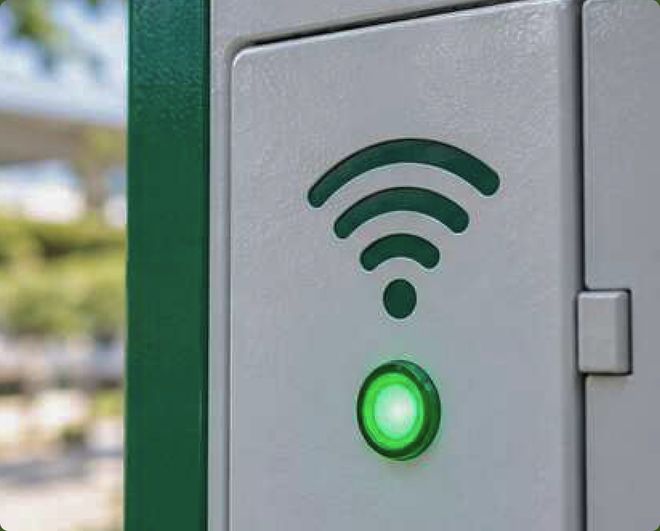
The Wi-Fi connection is working. Tap Continue when you are ready.
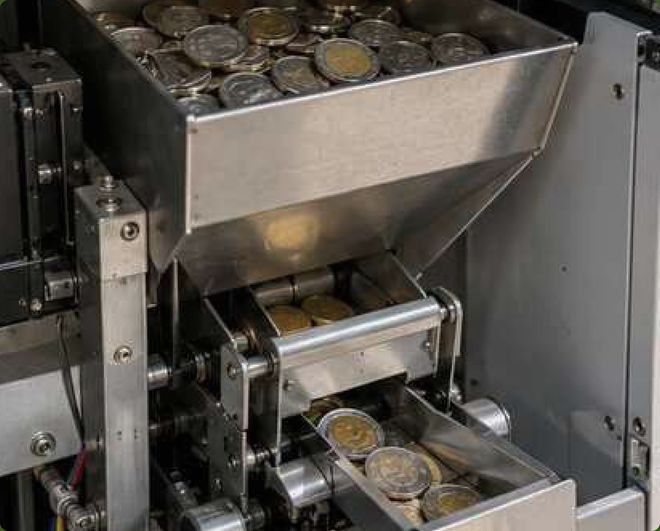
There are enough coins in the machine. Tap Continue when you are ready.
These rewards are available for your recycling session.
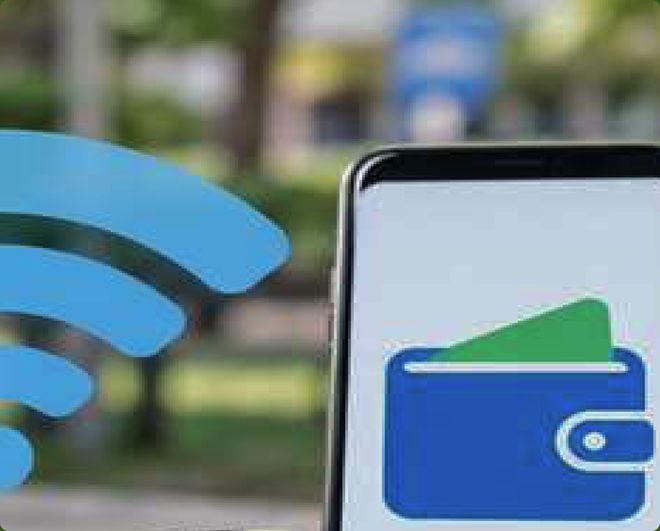
One reward option is currently unavailable. You can choose another.
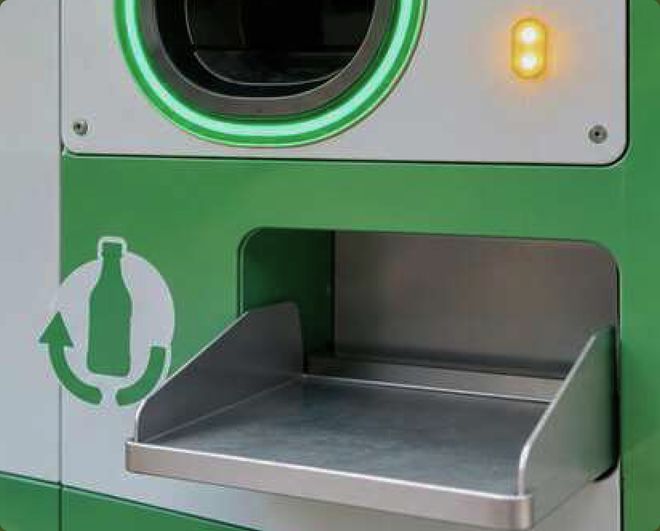
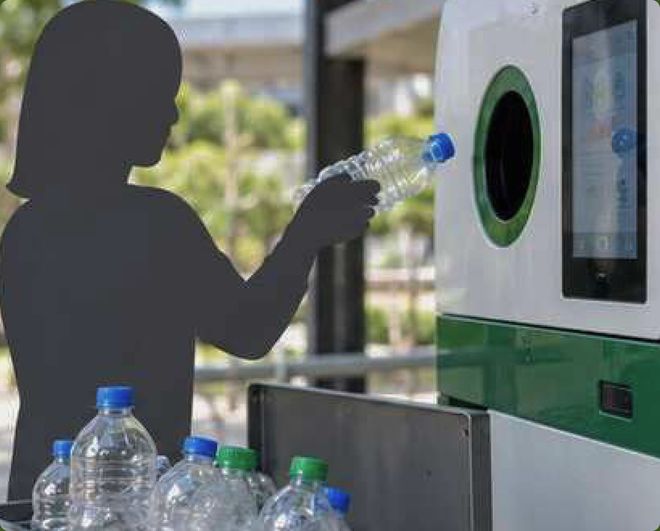
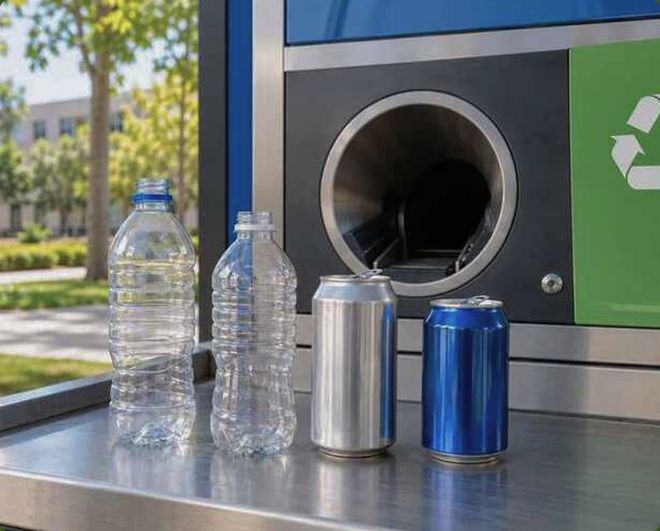
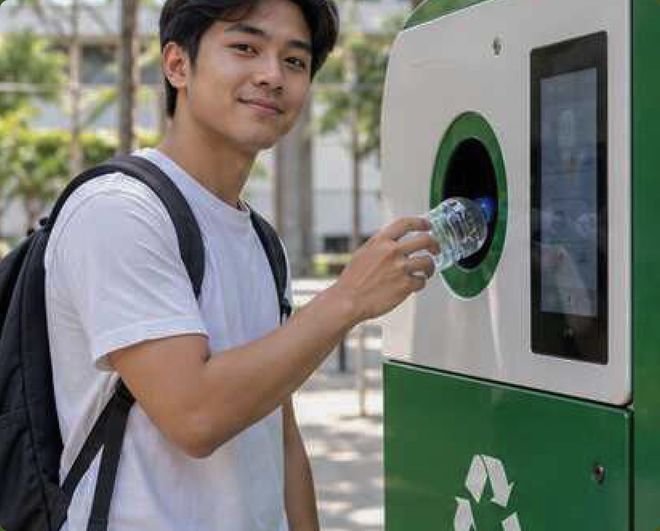
Place one empty plastic bottle or aluminum can into the opening.
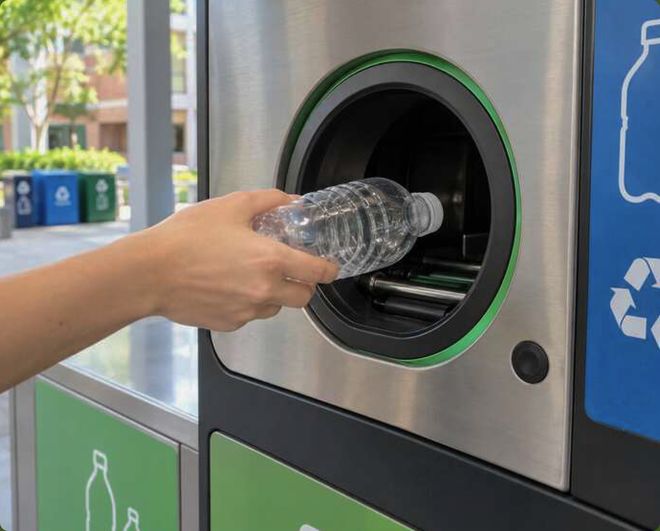
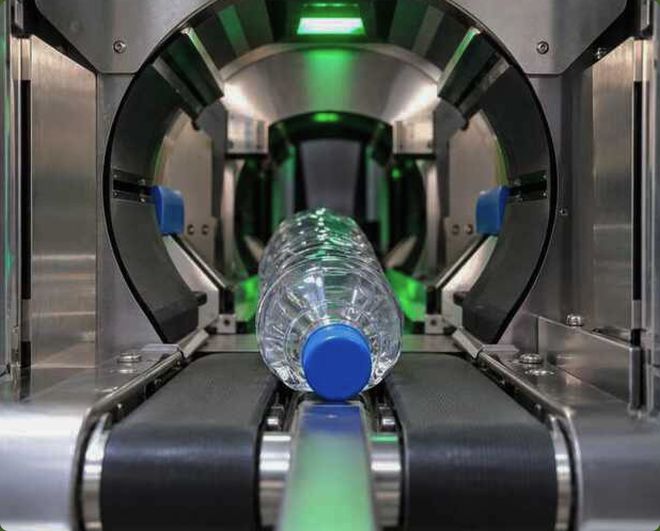
Keep the item still while the machine checks it. This takes a few seconds.
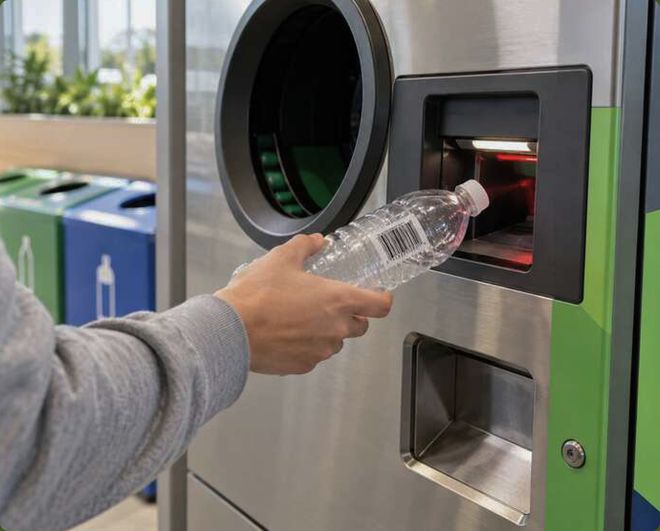
The item is valid and has been added to your session.
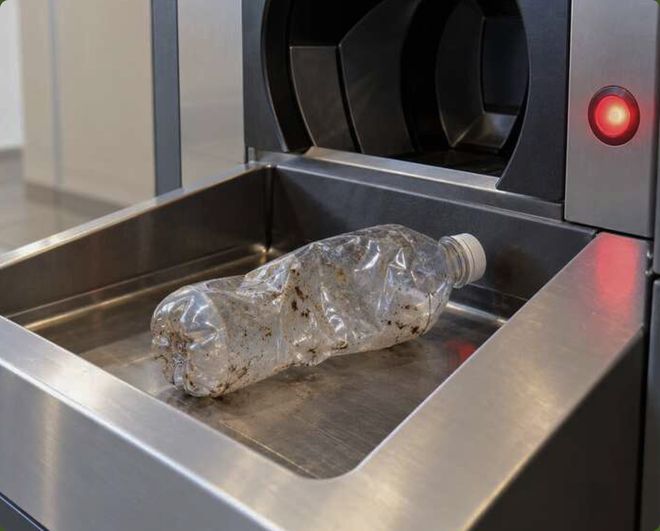
This item cannot be accepted. Remove it and try another item.
You can add another item or finish the recycling session.
The bin is almost full, so the machine will crush the items first. Tap Continue to start.
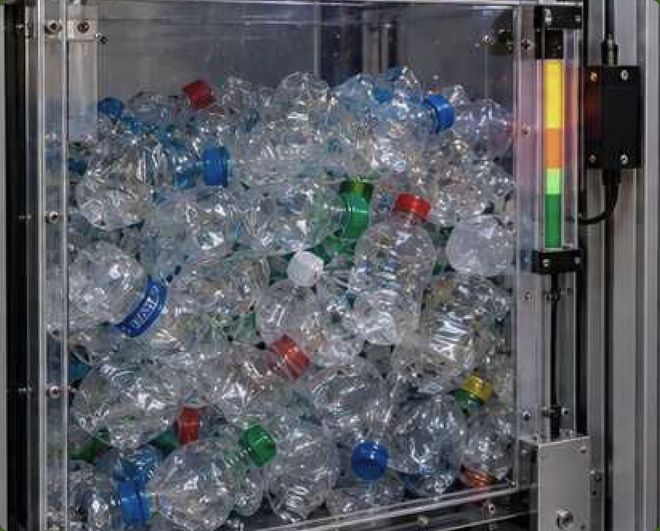
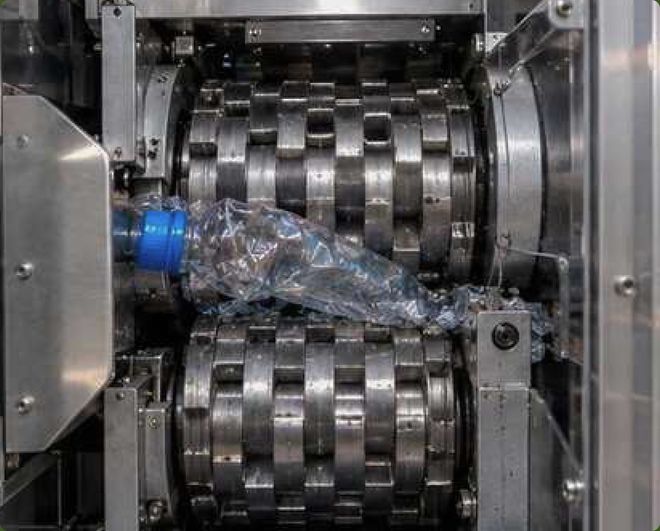
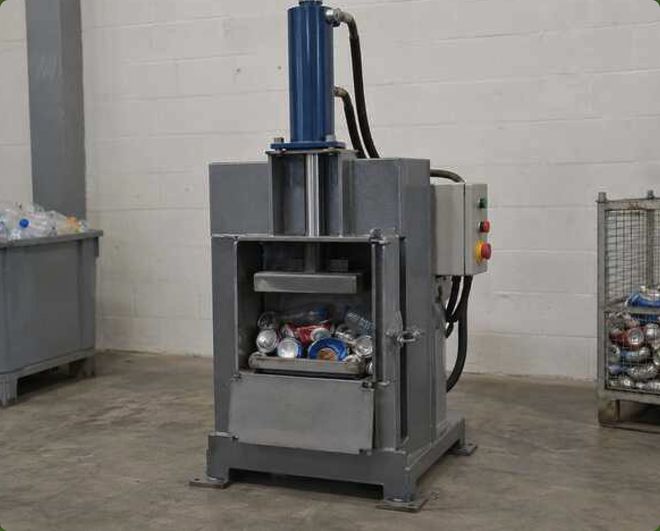
Please wait while the items are being crushed. This takes a few seconds.
Review the number of accepted items and your total reward.
Choose coins, Wi-Fi time, or save it as points in your BOCOFI app.
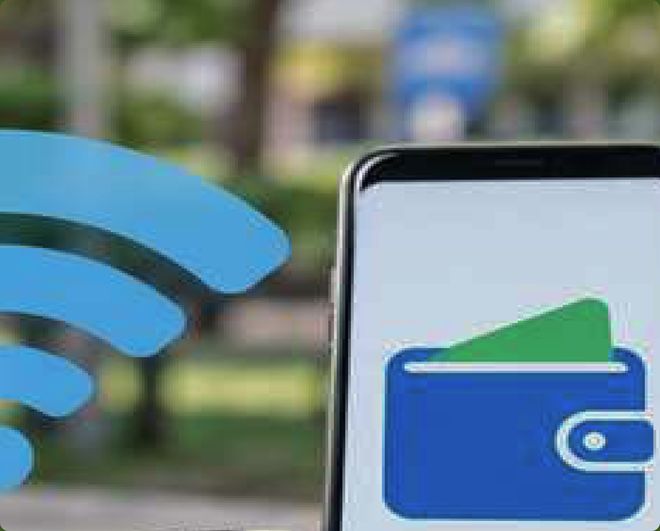
Please wait while the machine prepares your coin reward.
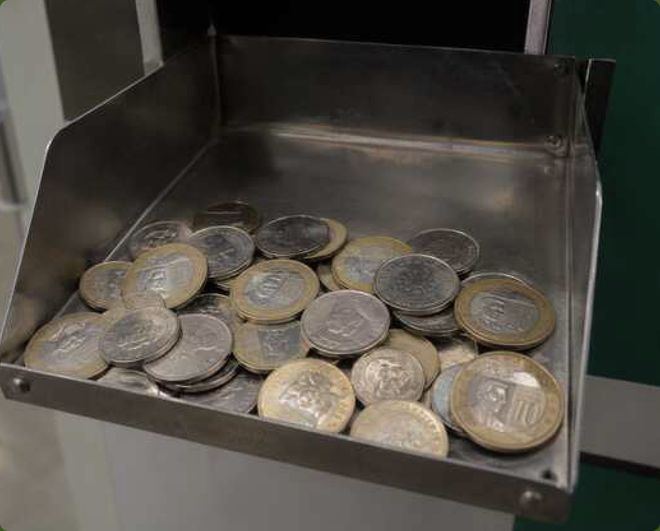
Collect your coins from the reward tray below.
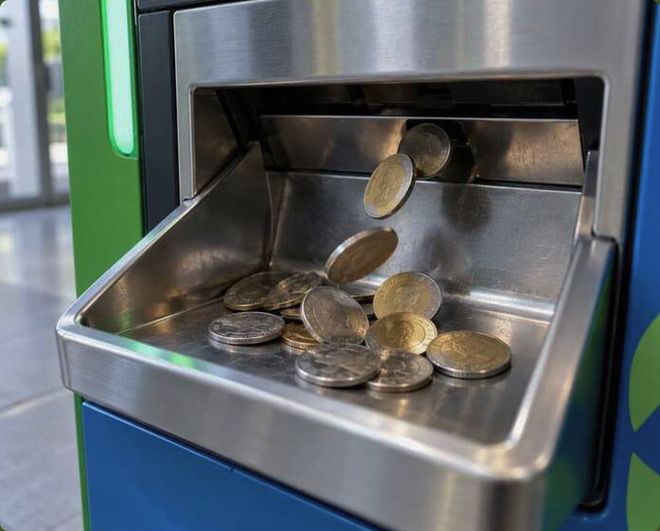
The machine is creating your Wi-Fi access code.
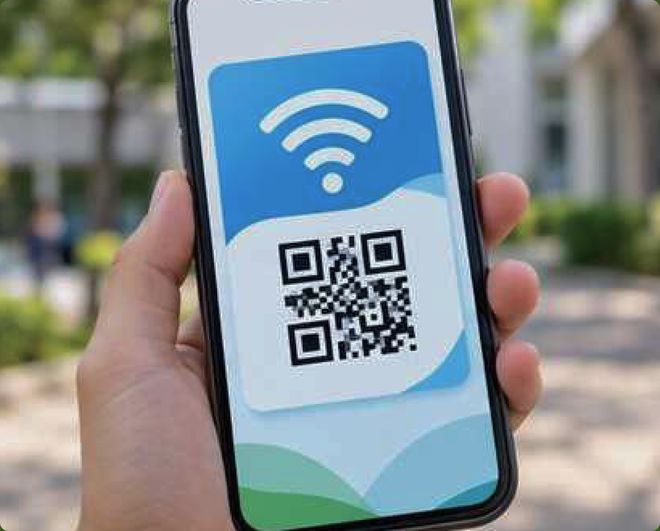
Use the code and password below to connect to Wi-Fi.
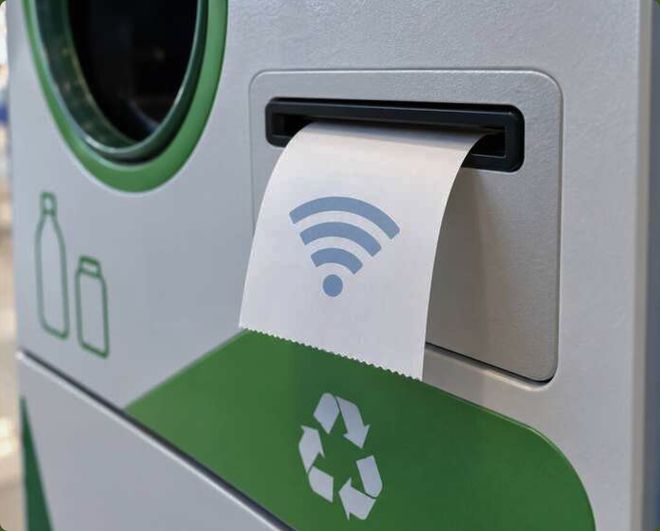
Your reward will be saved as points in your BOCOFI app. 100 points = ₱1.00.
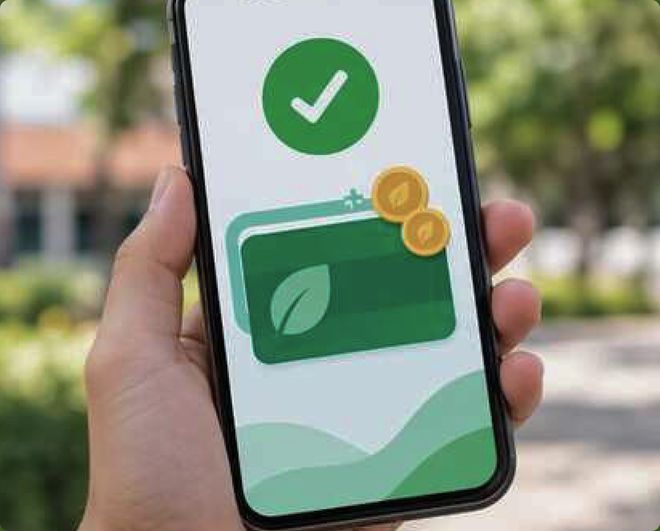
Your points were added to your BOCOFI app. You can use them later for coins or Wi-Fi.
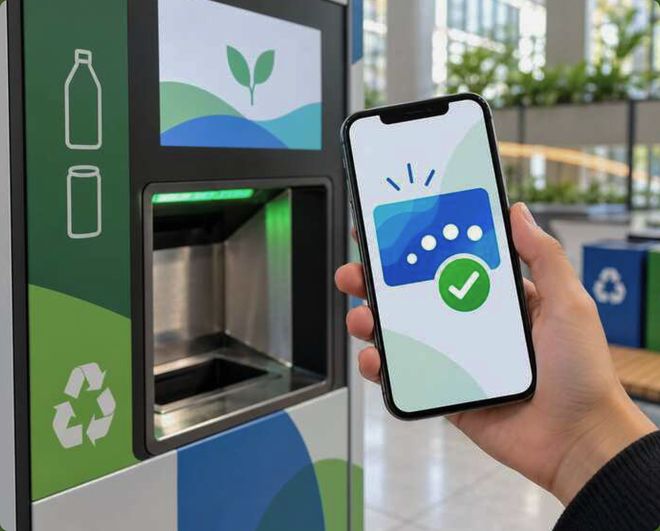
Thank you for recycling with BOCOFI.
Please wait a moment. The machine is getting ready for the next person.
Tap Yes to keep going. If no one answers, the session will end in 15 seconds.